
Teddy
A Chrome extension that helps you share Arbonne content on Instagram. It fetches posts, generates captions with AI, and handles most of the work for you.
Chrome Extension
A Chrome extension that helps you share Arbonne content on Instagram. It fetches posts, generates captions with AI, and handles most of the work for you.
Here's a quick walkthrough of how it works
How to load the extension in Chrome
Download this repository
Click the button below to download the Teddy folder, then unzip it somewhere on your computer.
📥 Download Teddy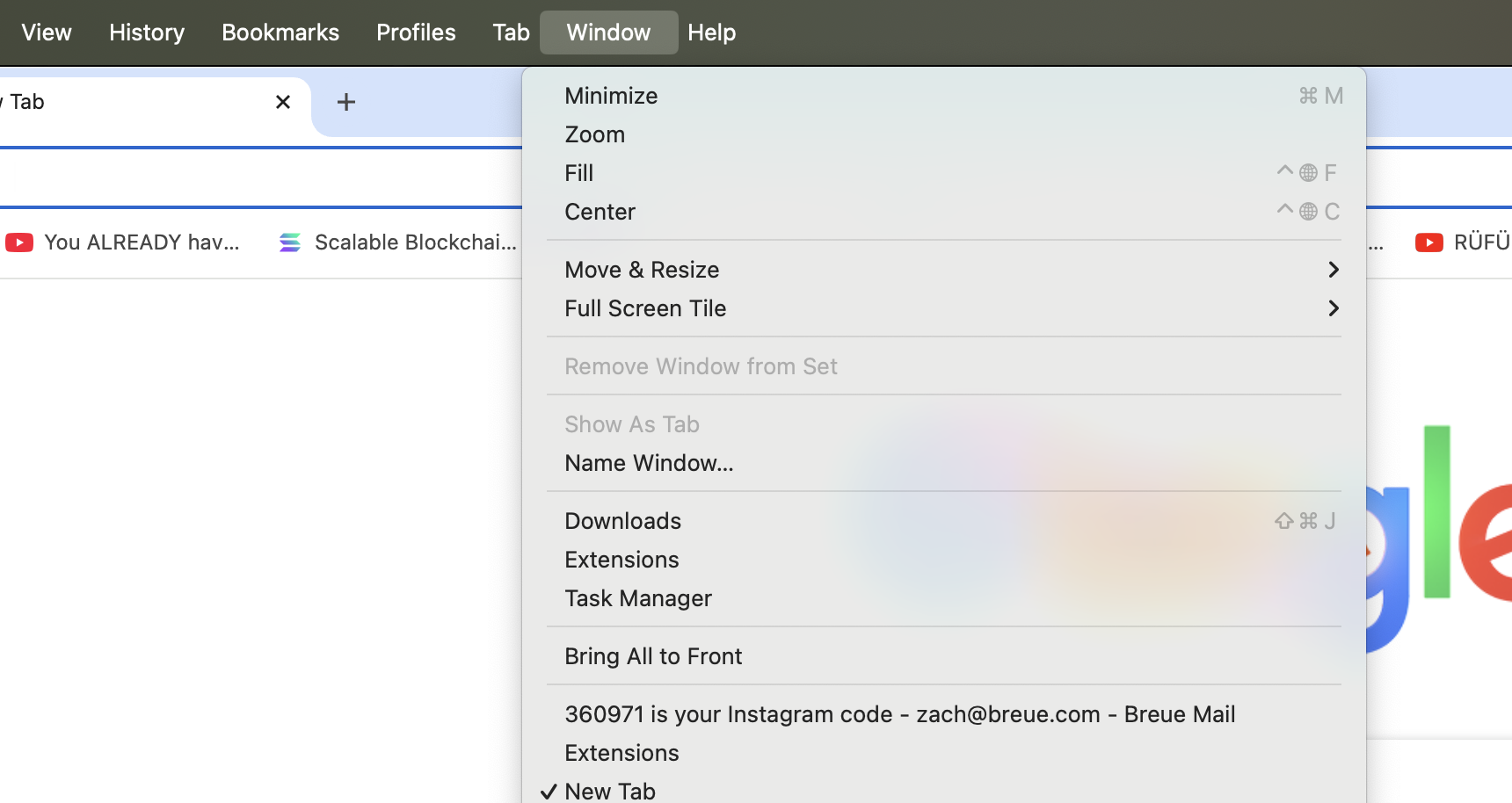
Go to chrome://extensions in your browser
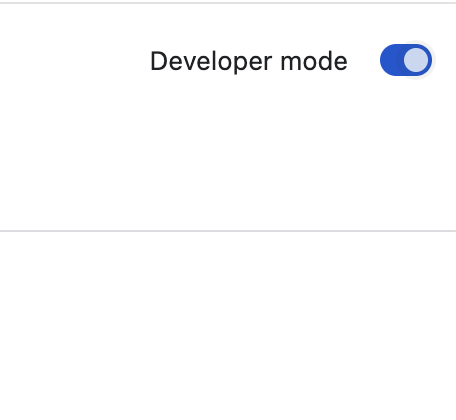
Toggle on Developer Mode in the top right
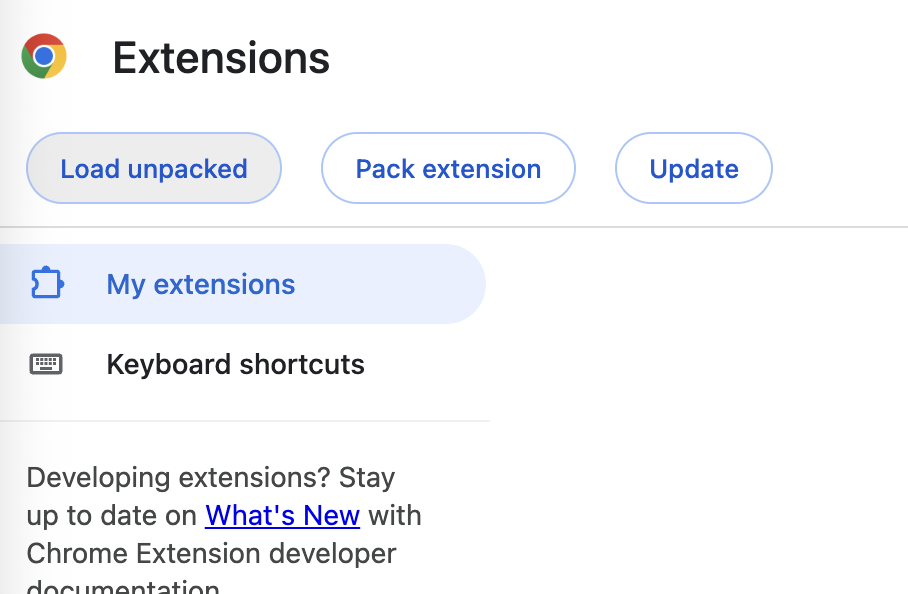
Click "Load unpacked" button
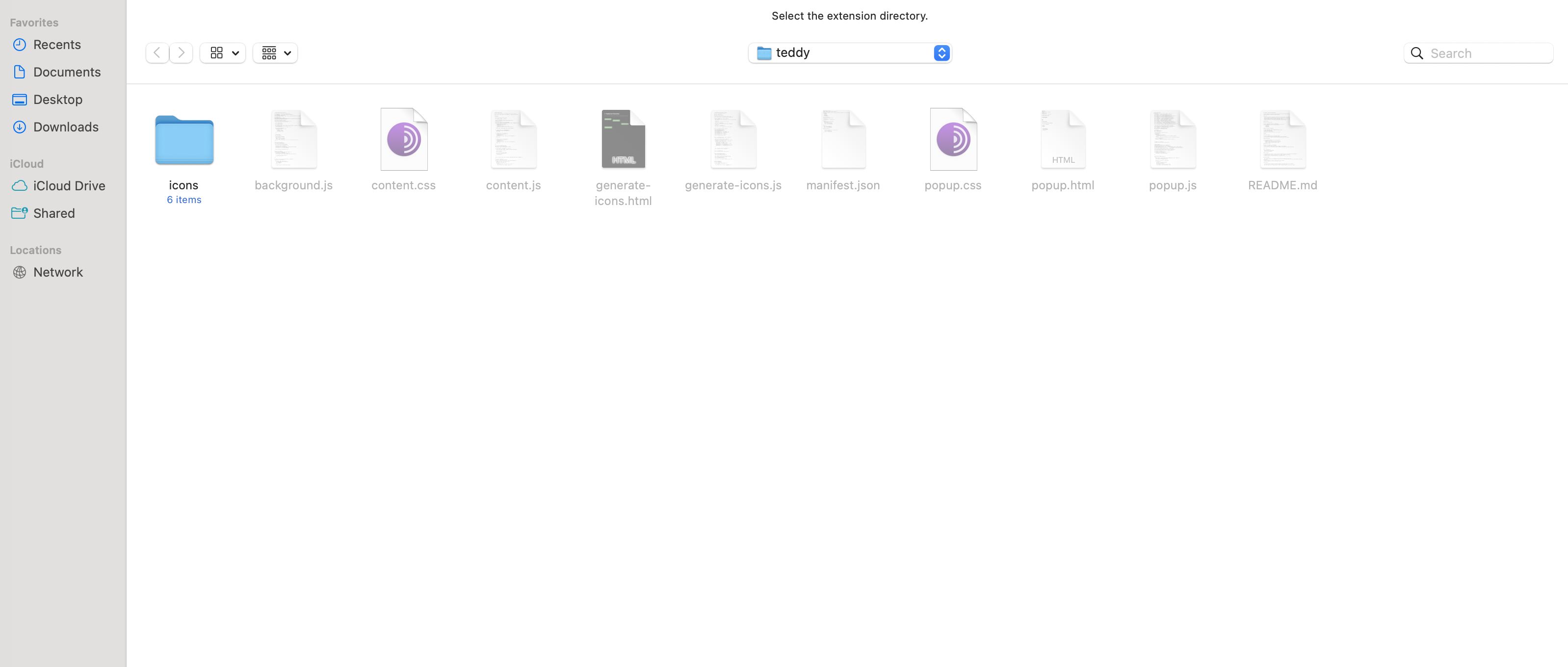
Find and select the Teddy folder you downloaded
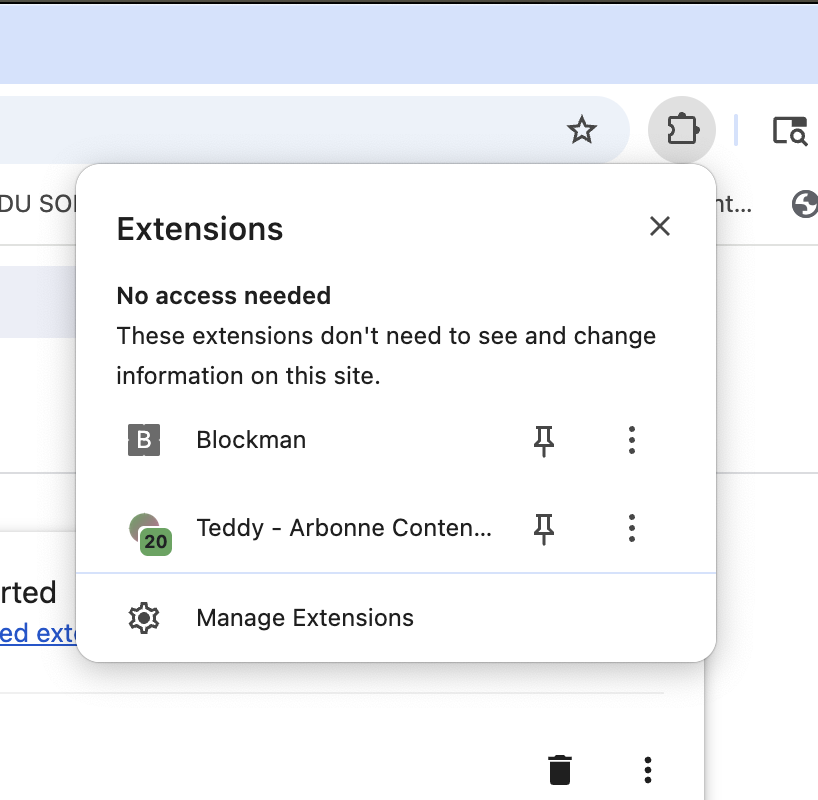
Click the Extensions icon and select Teddy
The basic workflow
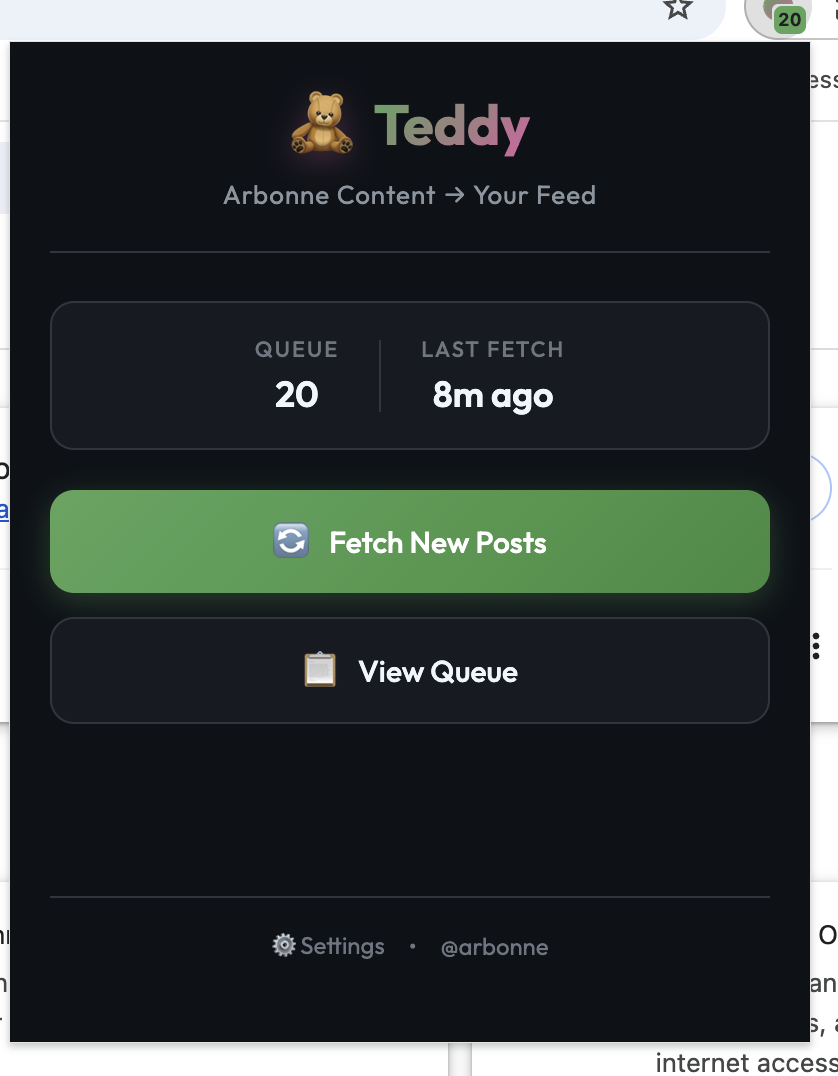
Click "Fetch New Posts" to grab the latest content from Arbonne's Instagram
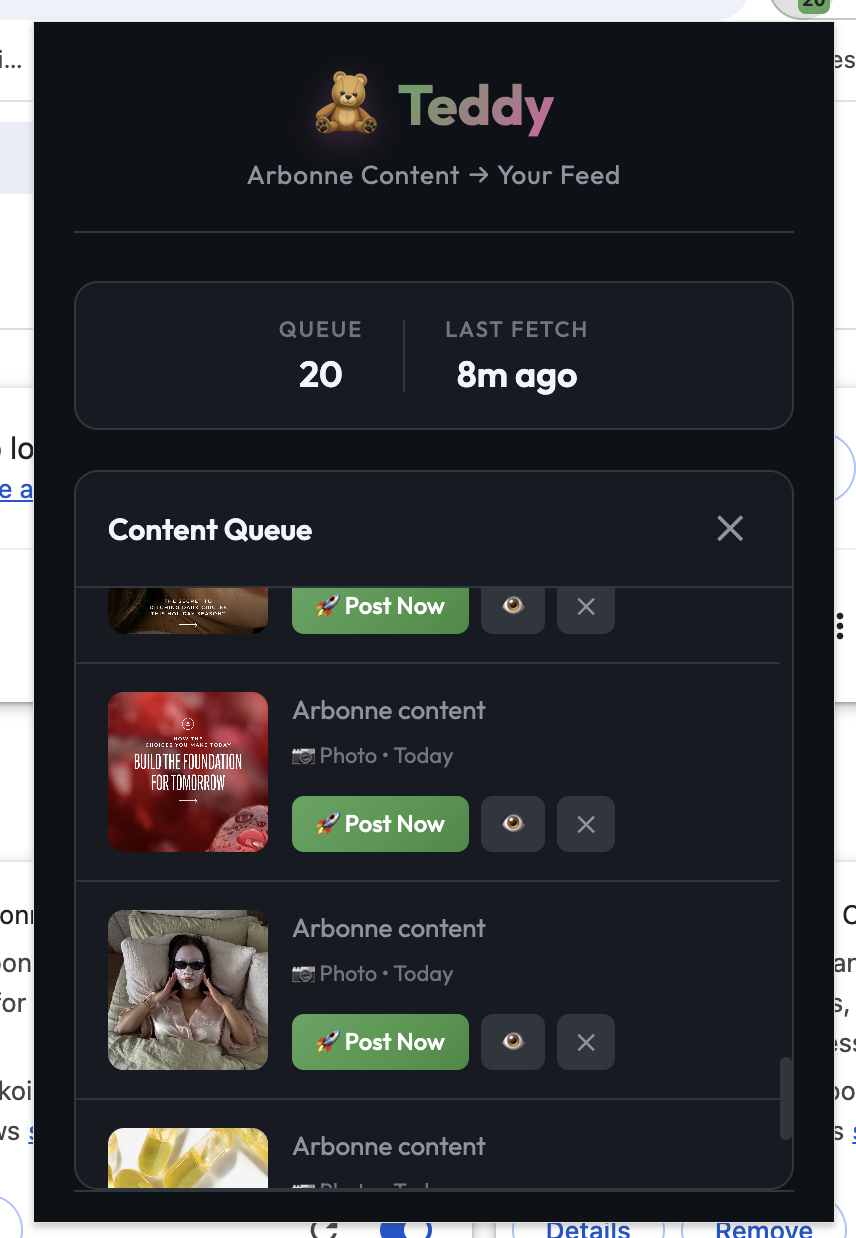
Pick a post to share (only image posts for now, videos aren't supported yet)

The image gets uploaded automatically
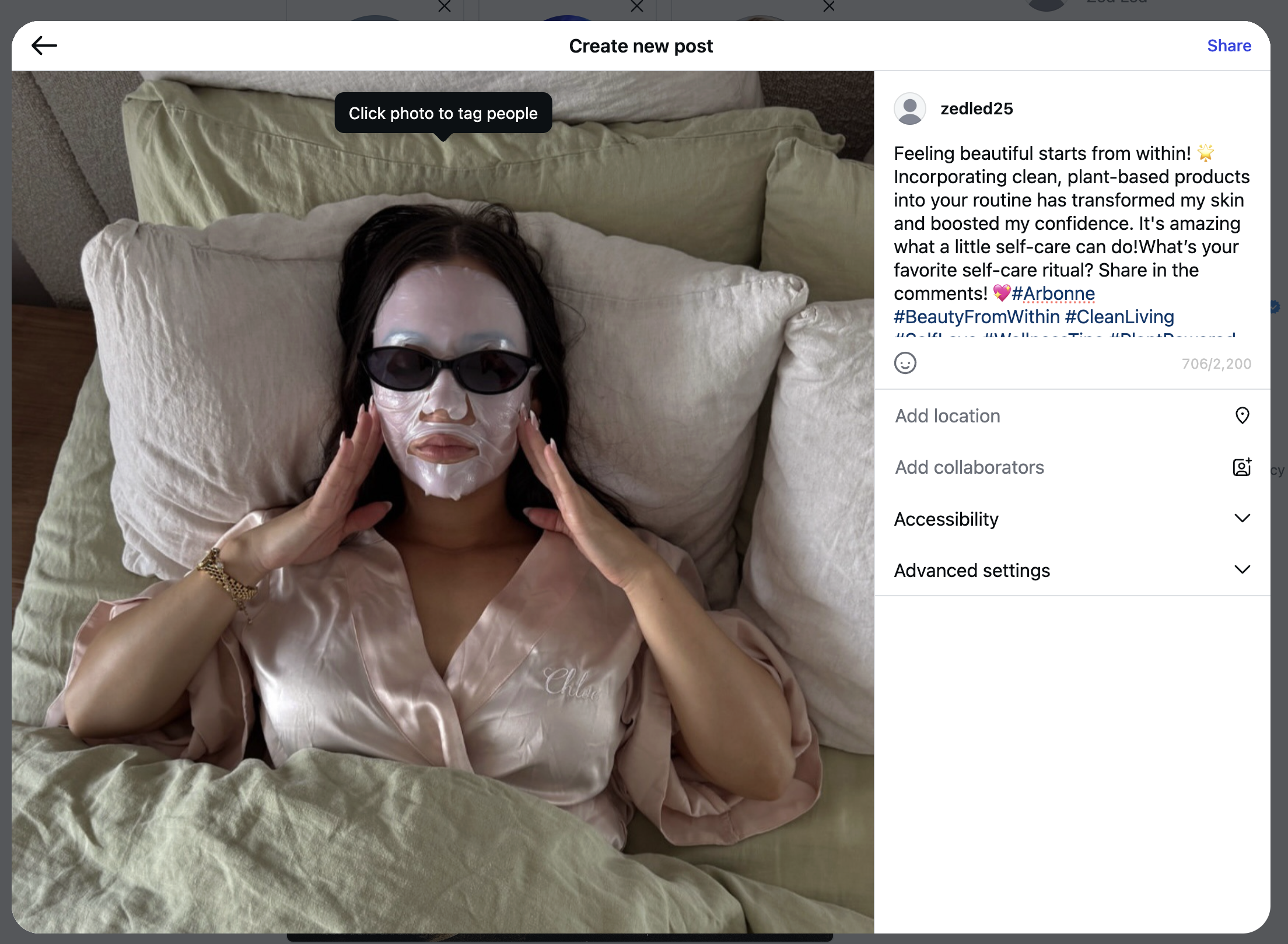
Click Next and the AI generates and fills in a caption for you